A new home screen for LG webOS.
Your apps and wallpaper, with no sponsored rows inside the launcher. 3 built-in themes for LG webOS.
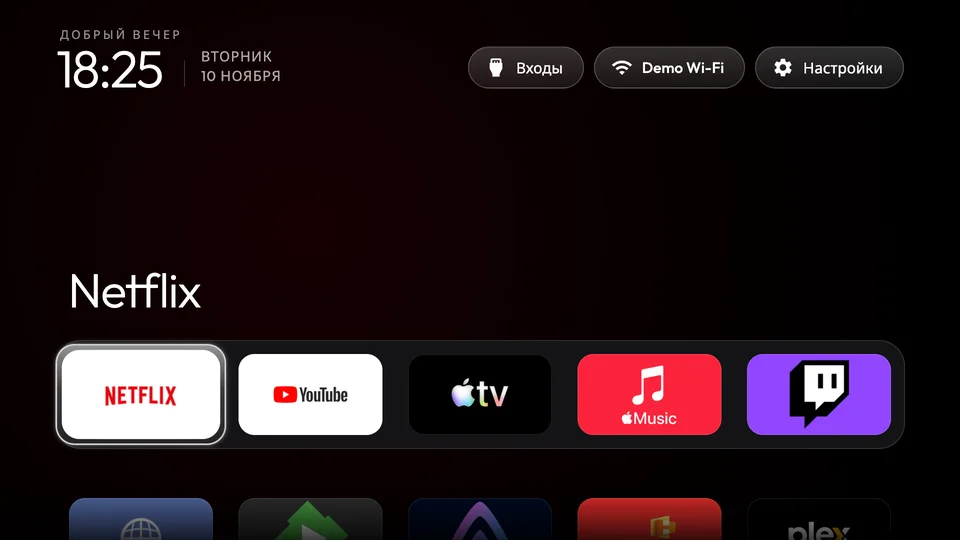
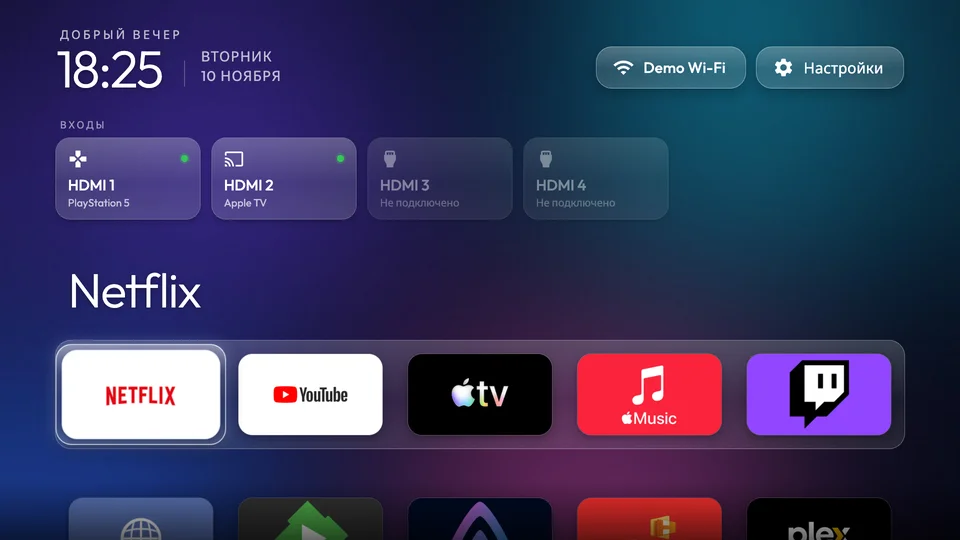
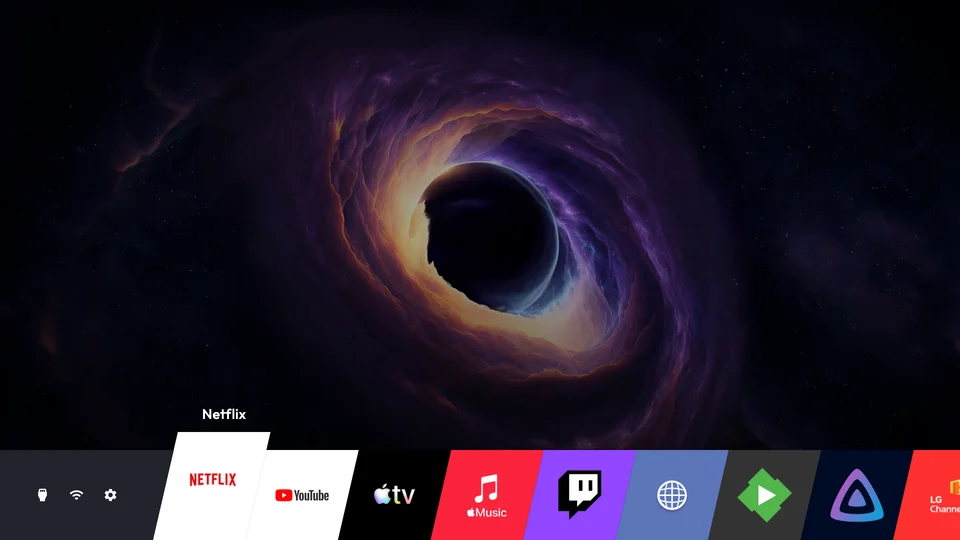
Your apps come first
- Arrange apps in your own order.
- Choose your wallpaper and configure the dock.
- Open apps with your TV remote.
This launcher does not remove ads from other LG screens or provide root access. After setup, your computer can be switched off.
ThemesChoose your setup
No-root
Active LG Developer Mode, Key Server and local pairing
No-root uses LG Developer Mode and Home Helper. Keep the Developer Mode session active; expiry can remove sideloaded apps. Automatic renewal is optional Beta and off by default.
Root
Existing root SSH and compatible TV services/input
Root uses existing root access and compatible TV services. The installer does not root your TV. Do not enable Developer Mode on an already rooted setup or run both Home controls together.
Articles
Practical guides to LG webOS home screens, advertising, Root and No-root installation, and Developer Mode.
Help and recoveryHow to change the home screen on an LG webOS TV
Customize your LG webOS home screen with Clean Your TV. Learn what a launcher changes, how to choose an edition and what to check before installation.
LG TV home screen ads and what an alternative launcher changes
Understand which LG TV home screen promotions Clean Your TV avoids, where ads remain and how to evaluate a simpler launcher without changing firmware.
Root vs No-root for an LG webOS launcher
Choose the right Clean Your TV edition for your LG webOS TV. Compare access requirements, Developer Mode upkeep, Home control and recovery before installing.
LG Developer Mode for a No-root webOS launcher
Learn why Clean Your TV No-root needs LG Developer Mode, how session expiry affects sideloaded apps and what to check if the launcher disappears.